Build
Projects
1 min readOpen in Neblex
Projects are folders for flows and connections. They control who can see and change them and form part of a flow's API address.
Create a project
- Go to Projects and click New Project.
- Name it. The Path is generated from the name (for example
bank-transfer) and can be changed; it must be URL-safe. - Choose visibility. Whole workspace, Project users (only members you add, plus administrators) or Only me.
- Choose its flows. Under Flows in this project, search and select the flows that belong here.
- Create. Click Create Project.
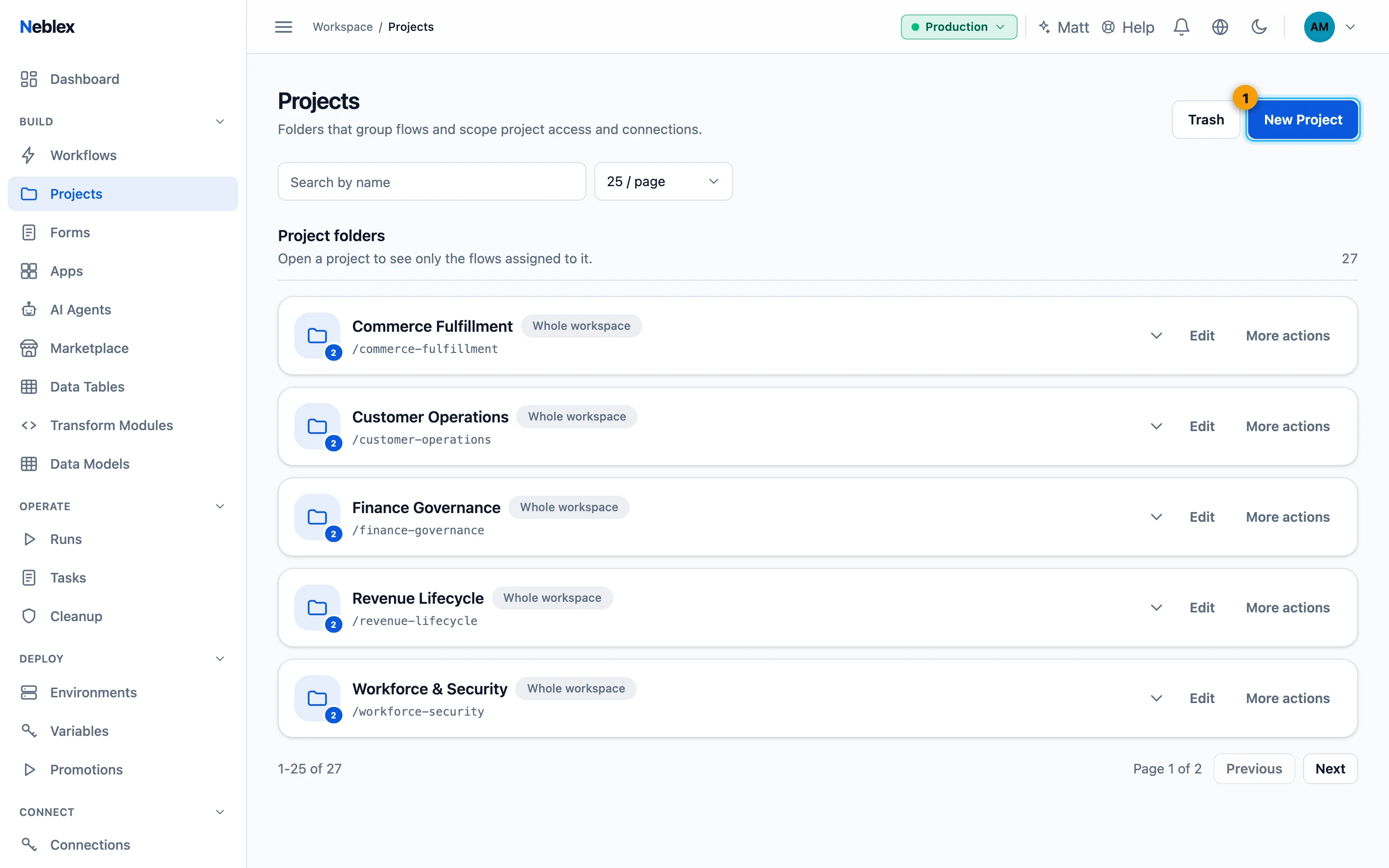
- Create a project and choose its visibility.
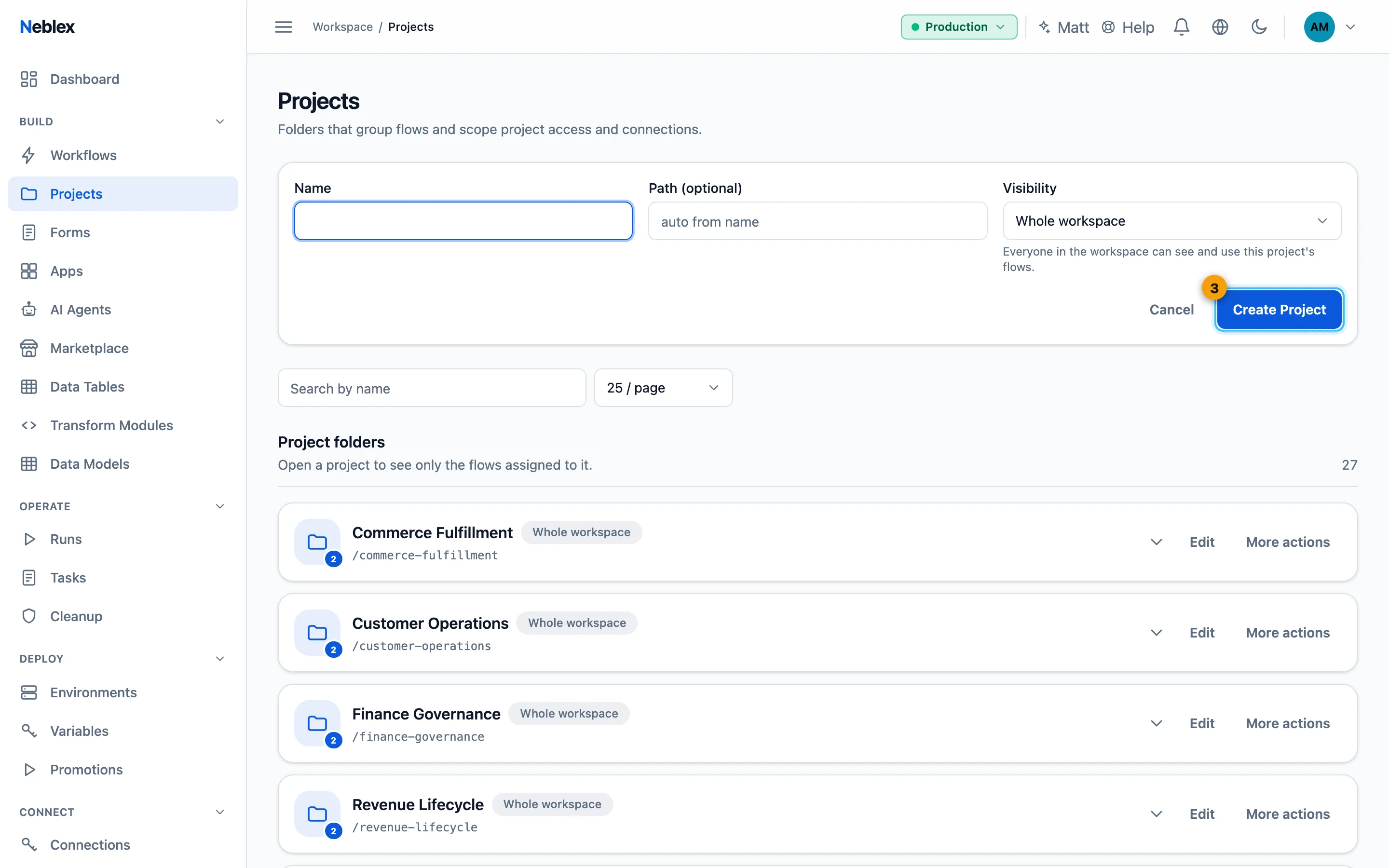
- Create.
Project users and roles
For a project with Project users visibility, open Users on it, search for a person and add them with a role:
| Role | See and run flows | Edit flows | Manage the project and its members |
|---|---|---|---|
| User (view & run) | Yes | No | No |
| Editor (edit flows) | Yes | Yes | No |
| Owner (manage project) | Yes | Yes | Yes |
Workspace Owners and Admins can always see and manage every project. Project owners change roles from the dropdown next to a name or Remove people.
Edit or delete a project
Edit changes the name, path, visibility and flows. A project that still contains flows or connections cannot be deleted; move or delete them first. A deleted project goes to Trash, where it can be restored.