Govern
Git sync
1 min readOpen in Neblex
Keep every saved flow in a GitHub, GitLab or Bitbucket repository you control, next to the built-in version history.
Keep your flows in your own Git repository
- Create an access token. GitHub: a fine-grained personal access token for the one repository with Contents: write (and Pull requests: write for pull-request mode). GitLab: a project token. Bitbucket: an app password entered as
username:app_password. - Open Git sync under Govern and turn on Sync flows to repository. Optionally turn on Pull request mode (a branch and pull request per flow change).
- Fill in the repository. Repository owner / namespace (the user, organization, namespace or workspace that owns it), Repository, Branch (default
main, or a branch per environment), Path prefix (defaultflows/), Git provider and, for a self-hosted provider, its API base. - Save and test. The token is stored encrypted. Click Test connection.
From then on every saved flow is delivered as readable, stably ordered JSON, so diffs show only real changes. Saving never waits for or depends on the Git provider: delivery happens in the background and retries if the provider is unavailable. The Repository status card shows each flow as In sync, Modified here, Modified in Git, Conflict, Not in repo yet or Only in Git; Review opens a side-by-side comparison with Keep mine or Take Git's version, and Pull from Git brings repository changes in. Git sync uses the provider's HTTPS API with a token; SSH keys and app installations are not used.
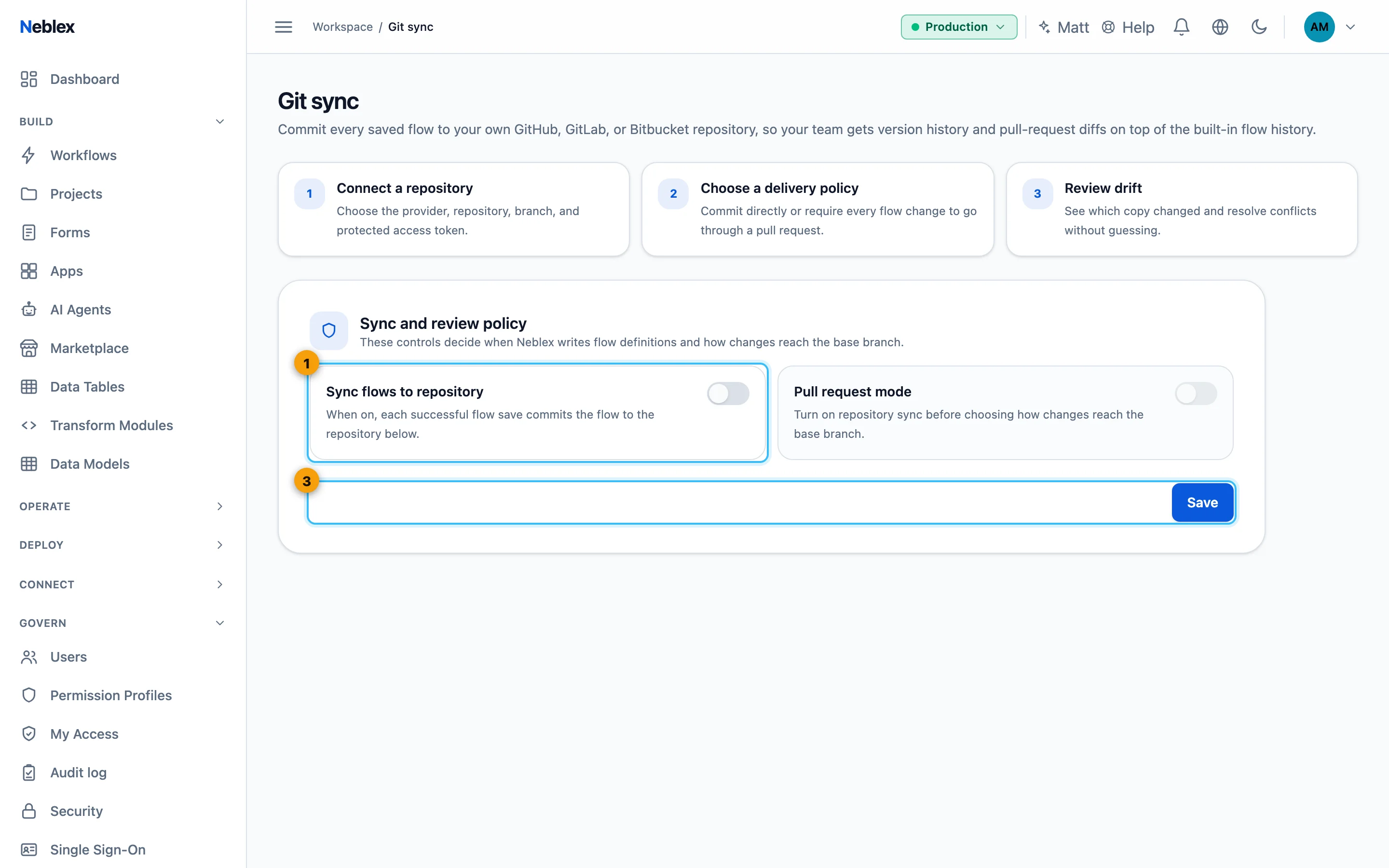
- Turn on sync (and optionally pull-request mode).
- Save and Test connection.