Deploy
Environments & promotion
Environments keep testing away from production. Each environment has its own flows, connections, variables, forms, apps and agents, so a test in Development uses Development's connections and reaches only the systems they point to.
What you can do
- Switch environment with the switcher in the top bar. Everything you see and change applies to the active environment.
- Deploy › Environments shows each environment's name and key, and marks Production and Protected environments. Administrators can Rename an environment (its key never changes) and manage Access.
- Environments are set up for your workspace when it is provisioned. To add or remove one, contact your account team.
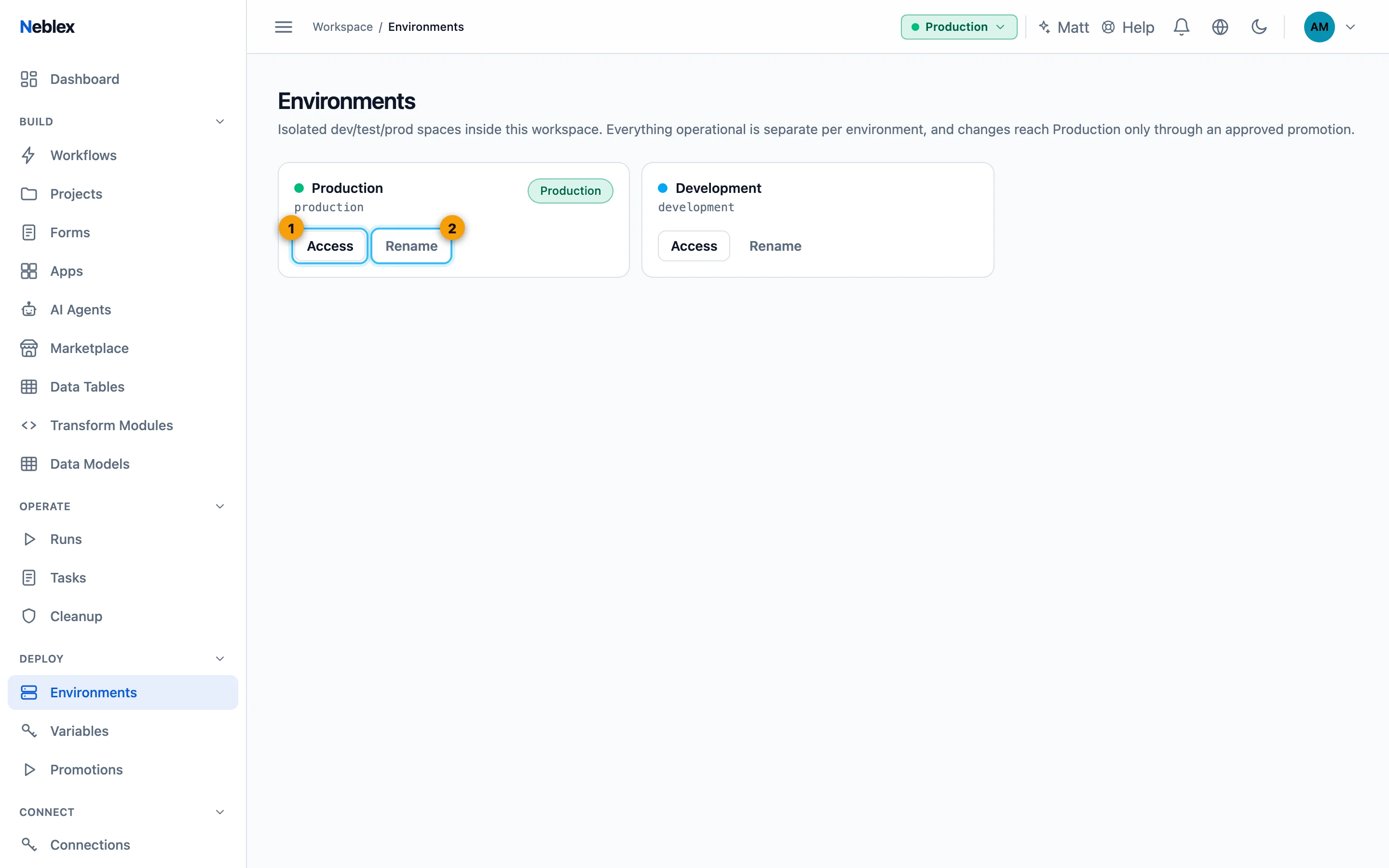
- Who can use each environment.
- Rename (the key never changes).
Manage environment access
Click Access on an environment, then Add user, choose the person and a role, and Grant:
- Admin: manages the environment.
- Editor: creates, edits and promotes flows; can approve promotions into a protected environment.
- Operator: runs flows and views history, cannot edit.
- Viewer: read-only.
Workspace Owners and Admins can always reach every environment.
Protected environments
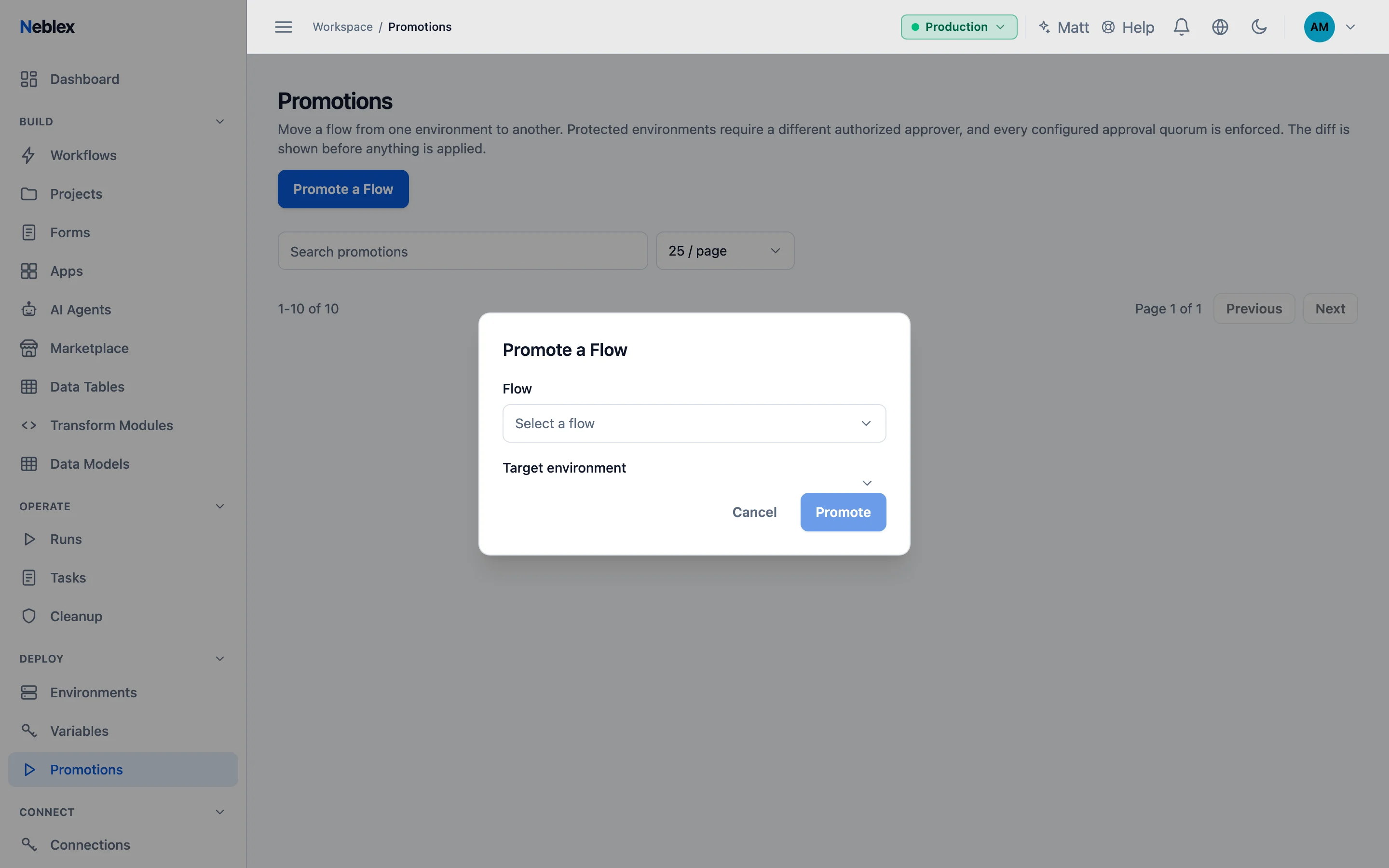
Changes into a protected environment (typically Production) need approval from a different authorized person: the requester can never approve their own promotion.
Promote a flow
- Start the promotion. In the source environment open Promotions, click Promote a Flow, choose the flow and the Target environment, and Promote.
- Review the changes. Details show the requester, approvals so far, and the changes to steps and connections.
- Approve. An unprotected target applies right away if you may write to it. A protected target waits as Pending until the required approvals arrive; approvers use Approve or Reject.
- Apply. Approved promotions are applied. If applying fails, fix the cause and Retry, or Dismiss it.
Promotion statuses are Pending, Approved, Applied, Rejected and Failed. Apps (with the flows their actions use) and AI agents are promoted from their own lists with Promote.
Connections are matched by name. A step that used the connection "Stripe" in Development uses the connection named "Stripe" in Production. Credentials never travel between environments; create each connection in the target first, or the promotion stops and tells you which one is missing. Webhook addresses are refreshed for the target.
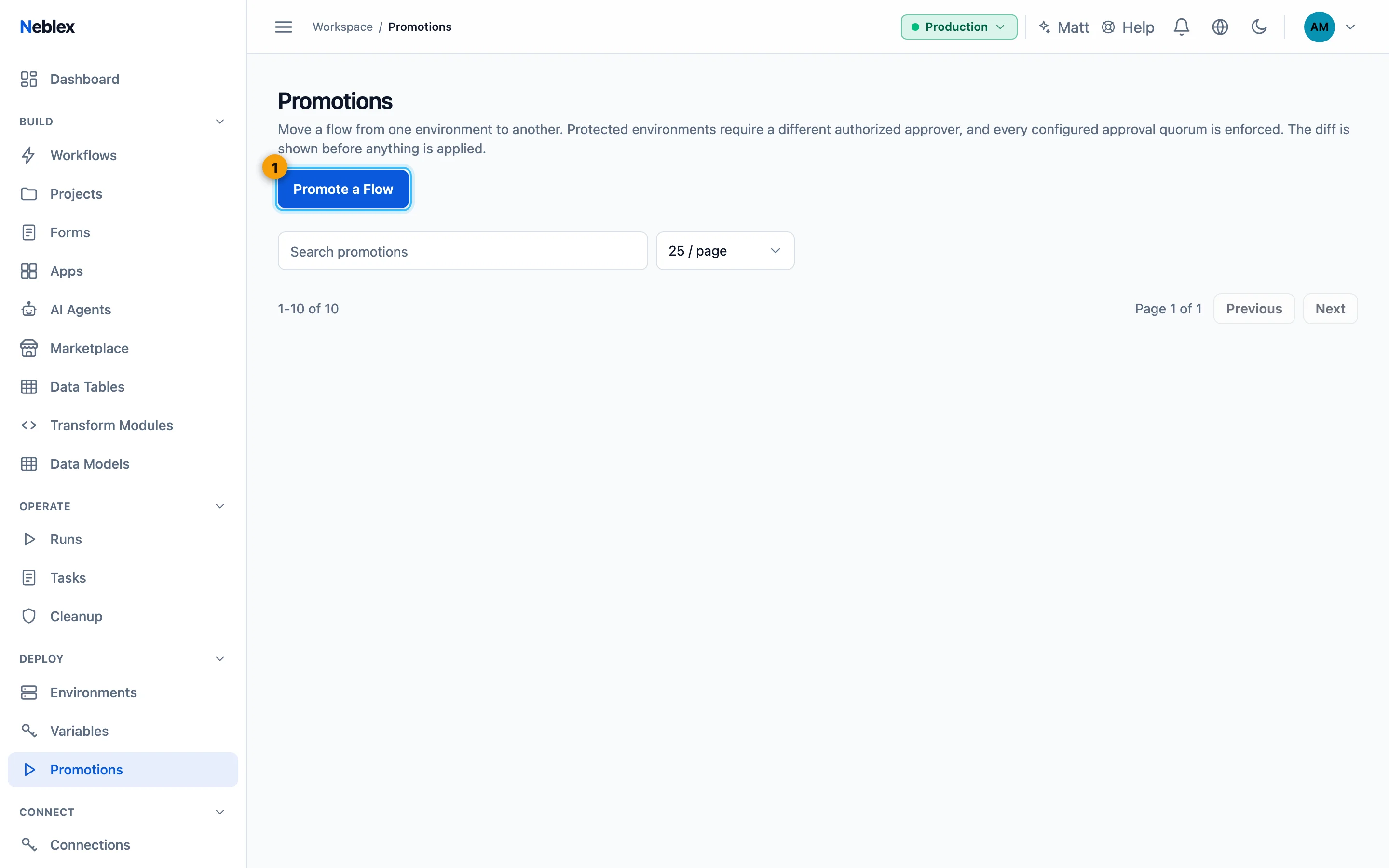
- Start a promotion; protected targets need a second person to approve.