Govern
Encryption keys (BYOK)
1 min readOpen in Neblex
All your data is encrypted at rest. If your plan includes it, Govern › Encryption Keys lets you use your own key in your own key management service, so your connection credentials, SSO and mail secrets and run data are encrypted with a key you control.
| Provider | You provide |
|---|---|
| HashiCorp Vault Transit | Vault address, transit key name, transit mount, namespace, a token |
| AWS Key Management Service | Region, key id or ARN, access credentials |
| Azure Key Vault | Key Vault URL, key name, directory (tenant) id, client id and secret |
| Google Cloud KMS | CryptoKey resource name, service account JSON |
- Enable BYOK: the key is tested live and your existing secrets are re-encrypted with it. Use credentials that can only encrypt and decrypt with that one key. Test Connection checks access at any time.
- You hold the switch: revoke access in your key service and the platform can no longer decrypt your data; your flows stop until you restore access. Every use of the key is logged in your key service.
- Rotate in your key service, then Save and Re-Key.
- Disable BYOK (type DISABLE to confirm) re-encrypts everything back to the platform key first. Do this before revoking access.
Lose the key, lose the environment. Keep your key and its older versions safe for as long as you may need your data. While your key is active the platform can decrypt your data to run your automations; what you gain is ownership, instant revocation and a full record of use in your own key service.
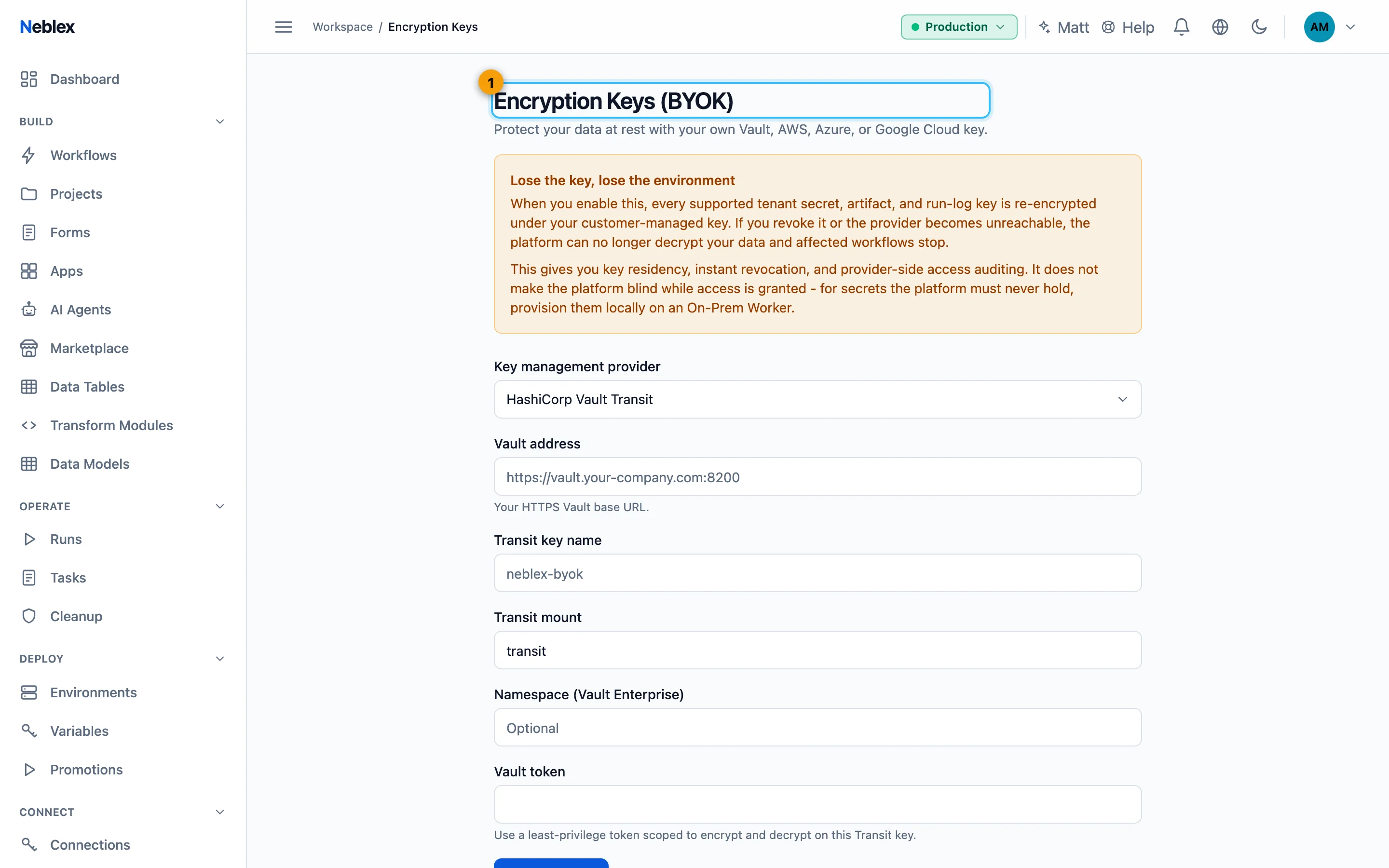
- Bring your own key from Vault, AWS, Azure or Google Cloud.