Connect
File Transfers
1 min readOpen in Neblex
Connect › File Transfers moves files between locations on a schedule, with a full log, without building a flow.
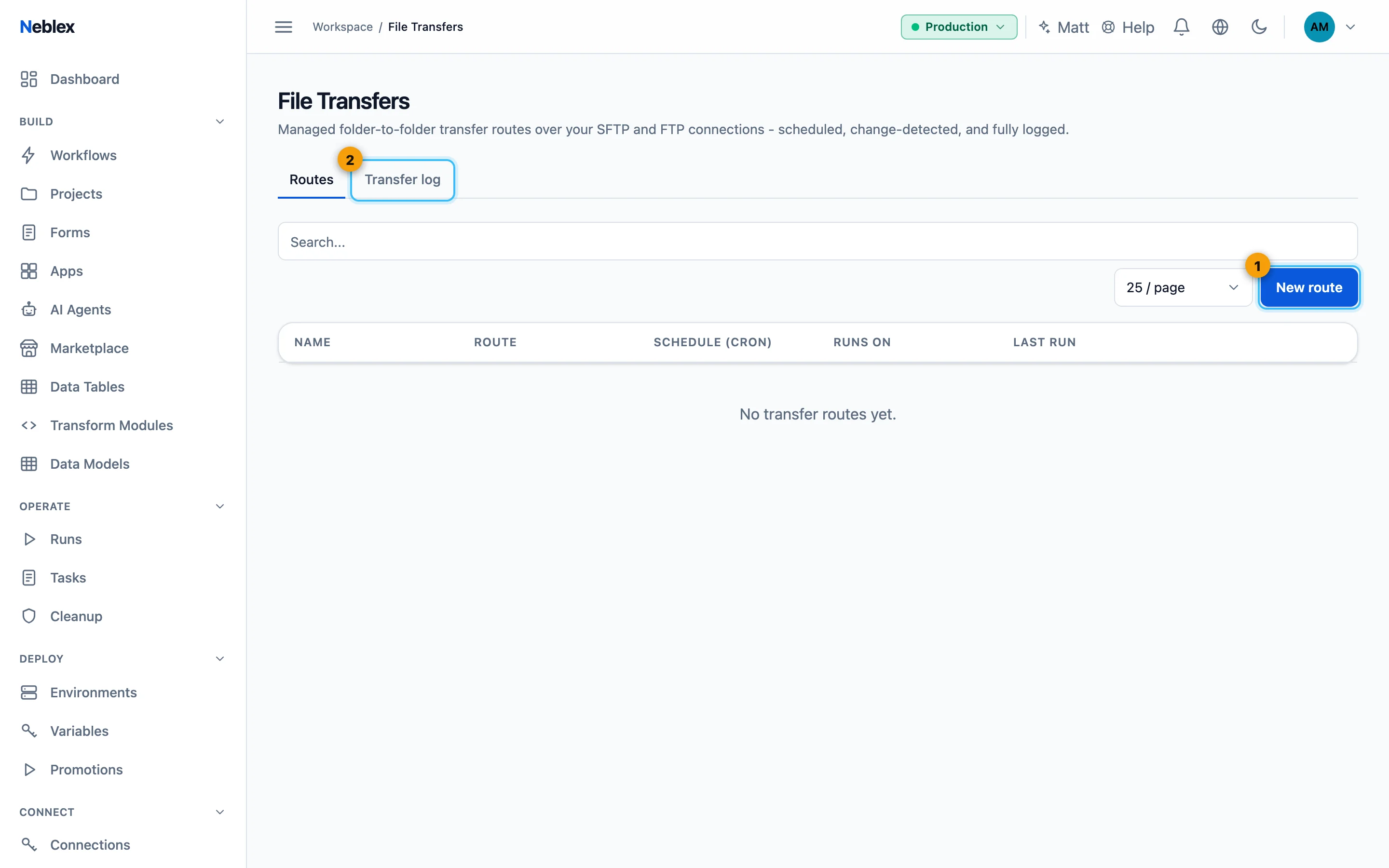
- Create a file transfer route.
- Every file moved.
Create a route
- New route. Enter a name and status (Active or Paused).
- Source and destination. Choose the connector, connection and folder for each side (SFTP, FTP, S3-compatible storage, Azure Blob and other file systems).
- Where it runs. Runs on the cloud, or a Worker or cluster for private file servers.
- What and when. File pattern (default
*) and Schedule (cron) in UTC (empty = every sweep). - After transfer. Keep on source (unchanged files are skipped next time), Delete from source, or Move to archive folder.
- Limits and encryption. Max file size (MB) and Max files per run (default 100 each). PGP encryption: None, Encrypt to a partner (their public key) or Decrypt inbound files (your private key and passphrase, stored encrypted). Click Save route.
Routes can be started with Run now. The Transfer log lists every file with its size, status (Transferred, Unchanged, Failed), duration and time, filterable by period and route. Test both connections against non-production folders first, and give the service accounts only the folders and rights the route needs.