Operate
History, replay & versions
1 min readOpen in Neblex
Every save of a flow creates a version, and every run records the version it used. Past runs are never rewritten when you edit a flow.
Replay a past run
- Find the run. On Runs filter or search for it, and click Inspect to check what happened.
- Replay. Click Replay on its row. The run continues from its failing step with the same input and the current flow.
- Watch it. The same run updates in place; replays do not wait on Wait steps again and do not retry automatically.
Successful runs can be replayed only when their data was kept: set Keep run data for replay (days) on the flow.
Restore a previous version
- Open History in the builder toolbar and pick a version.
- Review the changes. The dialog lists steps added, removed and changed, connection changes, trigger and run-target changes. Compare shows the full side-by-side difference.
- Restore. Click Restore this version. It becomes the current flow; your previous flow stays in history.
Compare versions
Compare opens a full-screen, line-by-line difference: added lines in green, removed lines in red, unchanged sections collapsed (Expand all shows everything), and a +/- counter. You can restore the compared version from there. Forms, apps, agents, Transform Modules and Data Models have the same history and compare.
Keep your flows in your own Git repository
See Git sync under Govern.
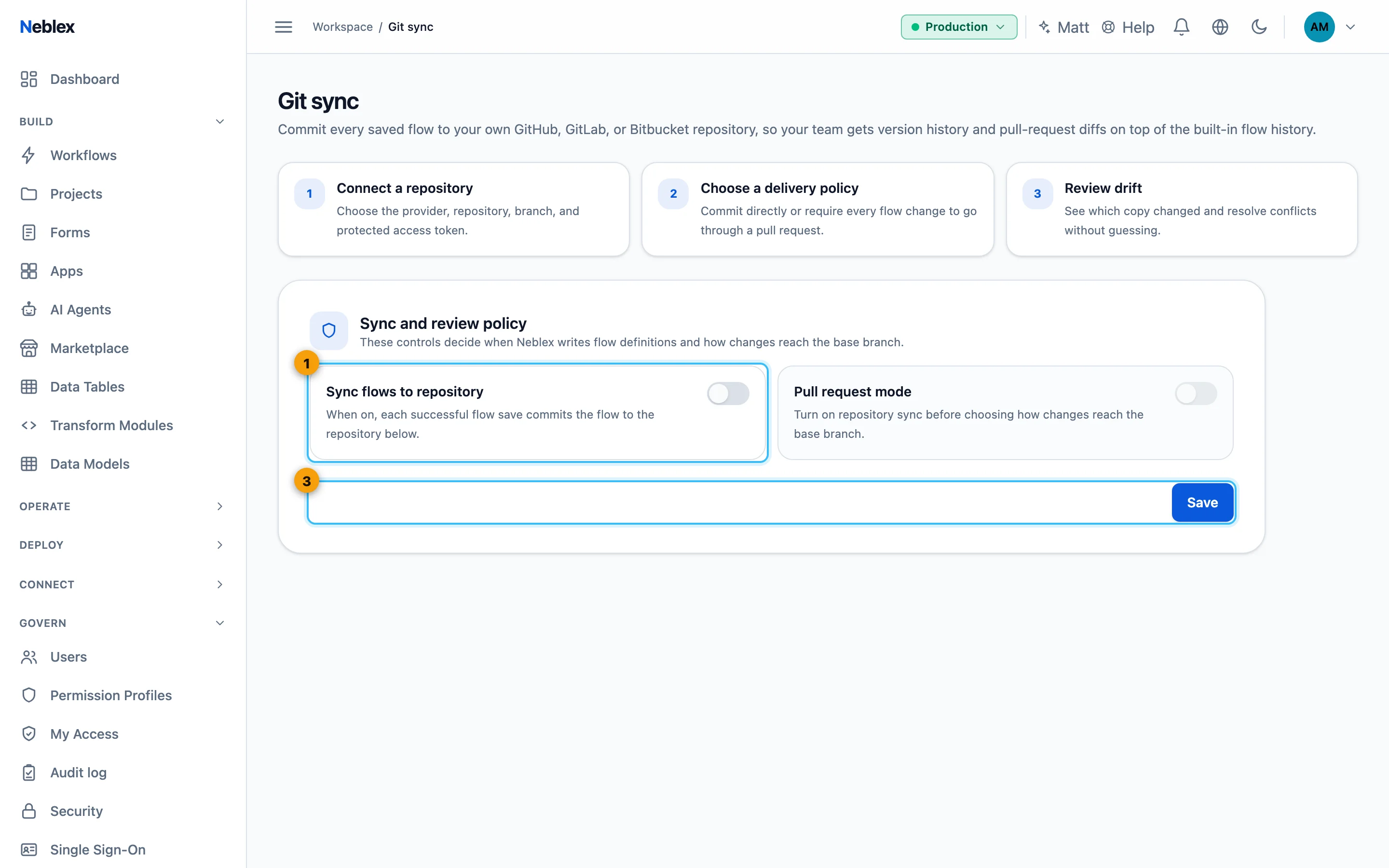
- Turn on sync (and optionally pull-request mode).
- Save and Test connection.