Account & help
Getting help
1 min read
- Ask Matt how something works or where a setting is; Matt can walk you to it.
- Help in the top bar opens a support request: choose the type (Problem, Bug, Question, Idea) and severity (Low, Normal, High, Critical), describe it, and add screenshots with Capture screen or Add image (blur anything private before sending). The page you are on, the product version and the flow or run are attached automatically; secrets and record contents never are.
- My requests in your avatar menu lists your requests with their status; reply, Mark as solved or Reopen.
- When reporting a failure, include the run's link or execution id.
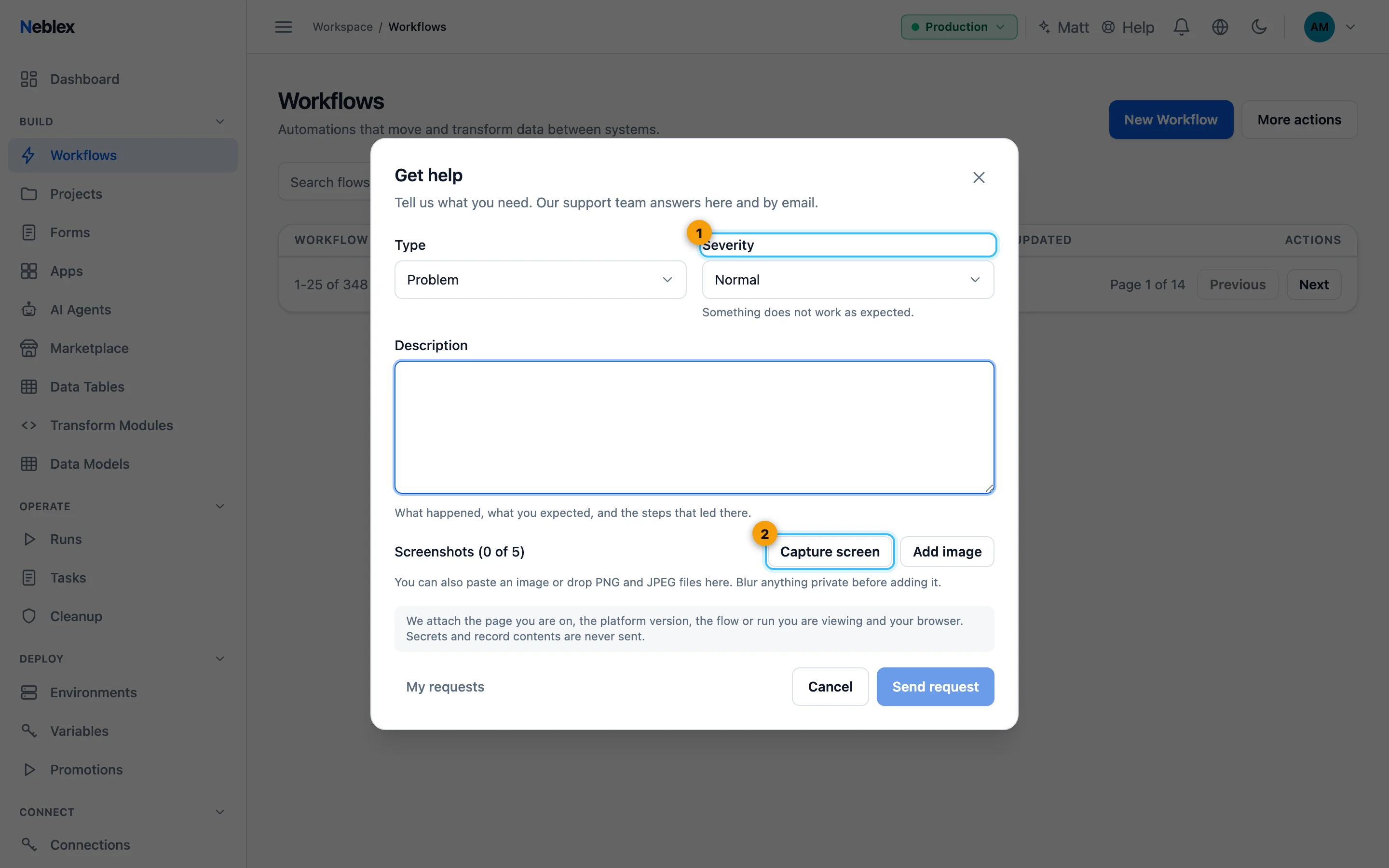
- Type and severity.
- Add screenshots; blur anything private.