Govern
Telemetry export
1 min readOpen in Neblex
Govern › Telemetry export streams your flow-run traces, metrics and logs to an OpenTelemetry collector you run (Grafana, Datadog, Splunk, Honeycomb and others accept OTLP).
- Destination: Enable export, the OTLP endpoint, the Route (directly from the cloud, or through an On-Prem Worker to a collector inside your network), the signals (Traces, Metrics, Logs) and environments to leave out.
- Authentication: header values, and optionally a client certificate, key and CA certificate for mutual TLS. Secrets are write-only.
- Two switches deliberately relax security for tests: Allow plaintext HTTP and Allow no collector authentication. Leave them off in production.
- Export status shows runs exported, rejected batches, the next attempt and the last warning or error. Use Send test before enabling.
Telemetry is for your observability; the run history and audit log in the app remain the record.
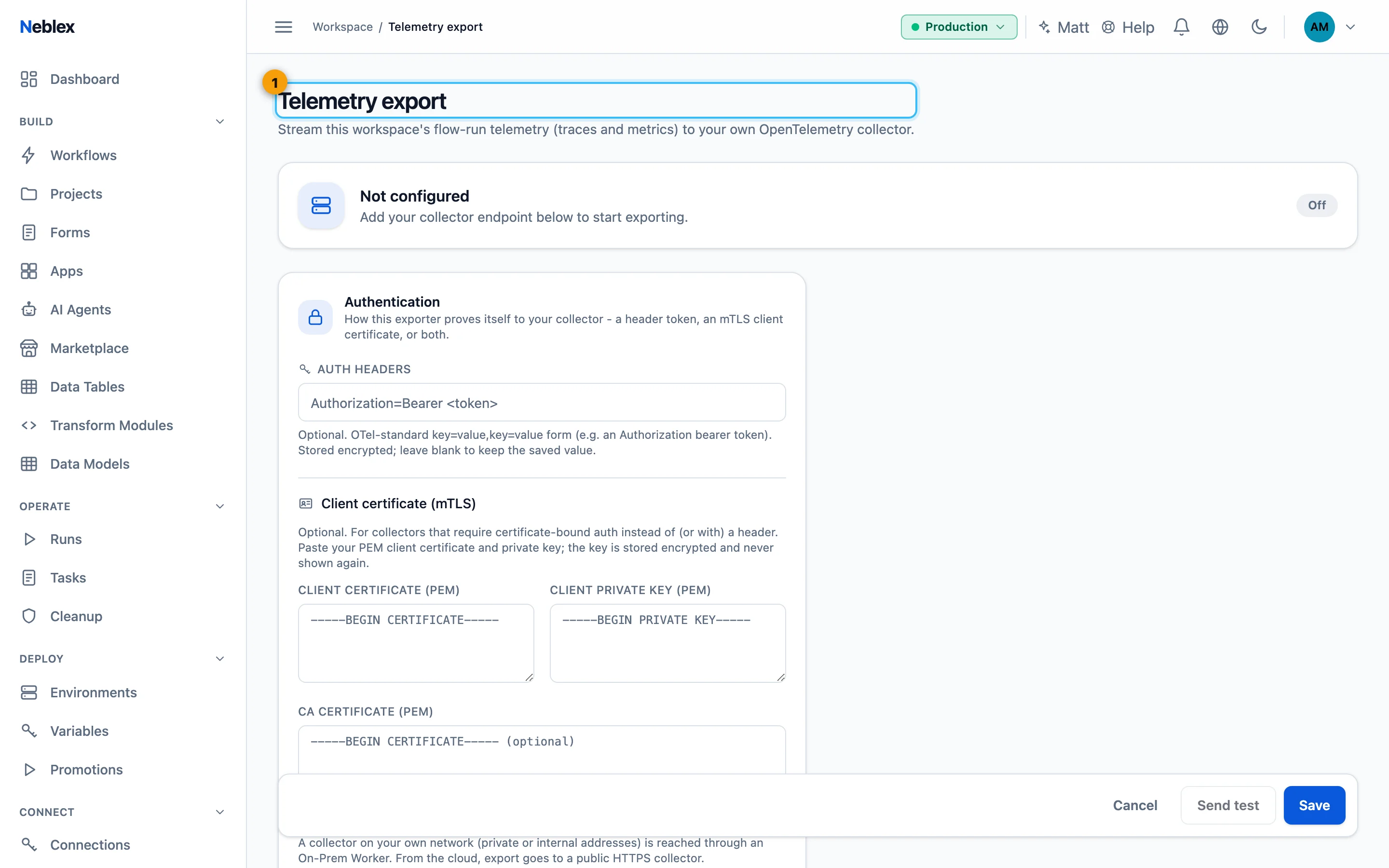
- Send traces, metrics and logs to your OpenTelemetry collector.