Build and run integrations from your AI client, over MCP
By Adan Potyondy, Head of GTM
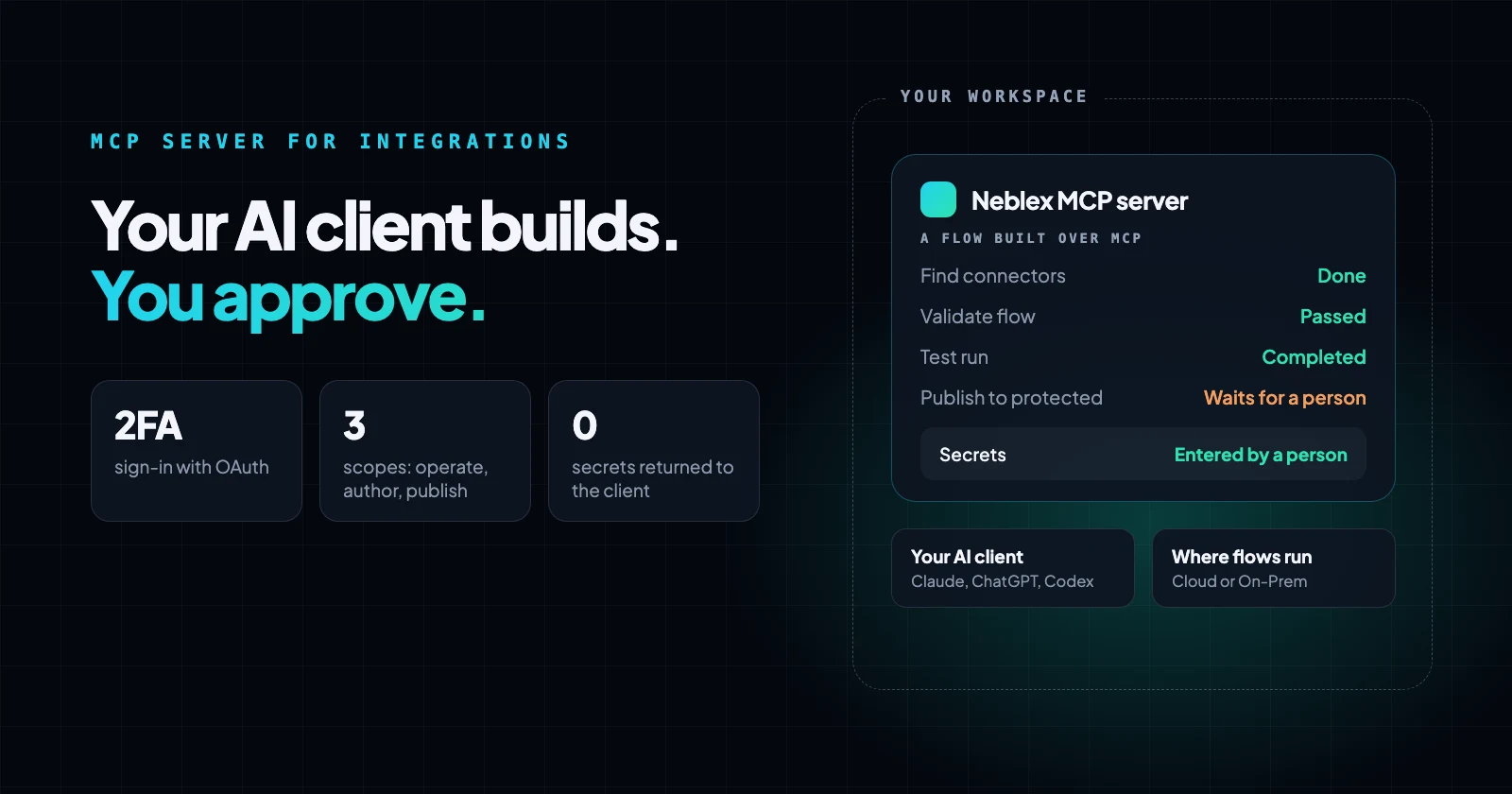
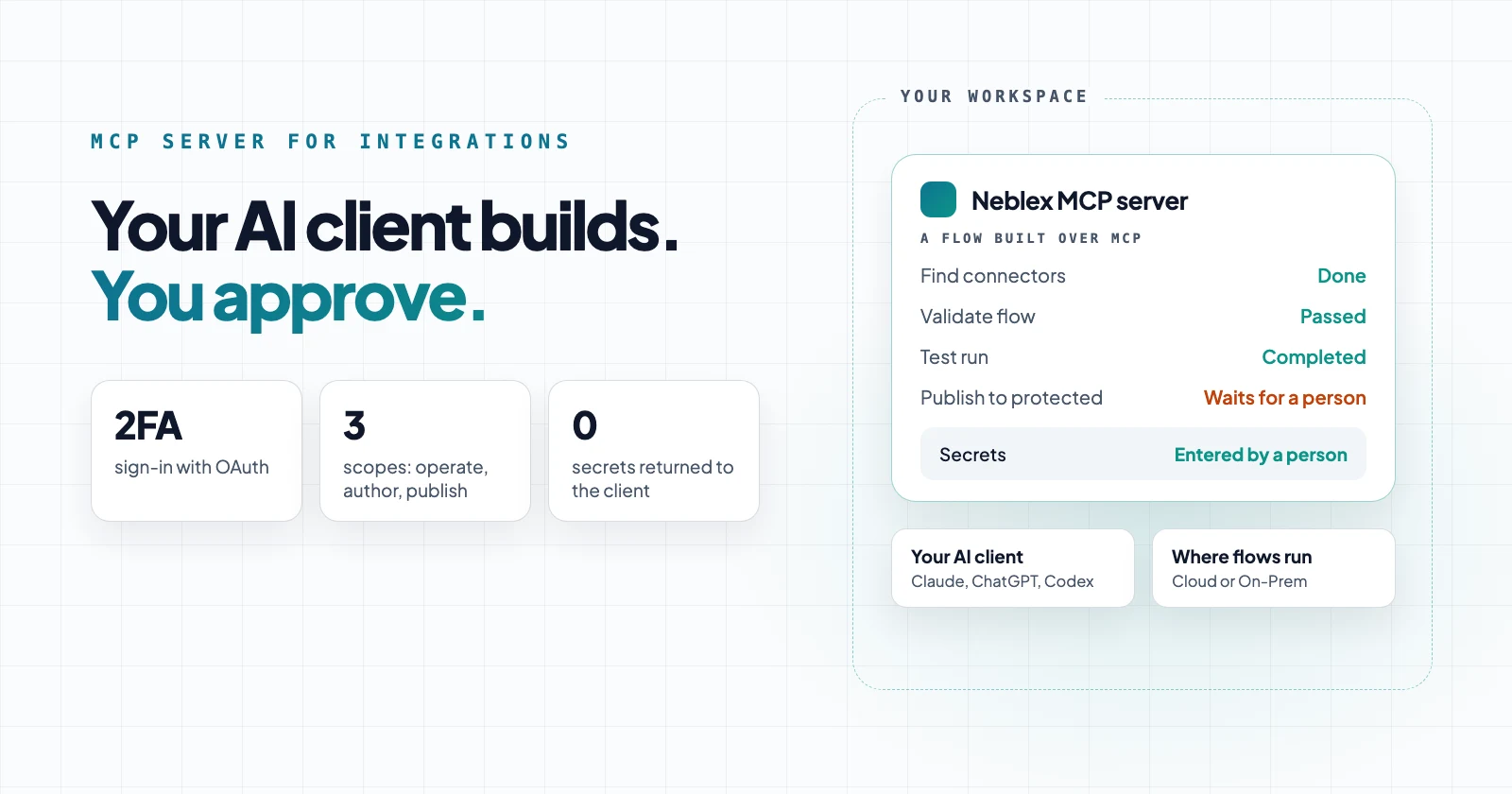
What can an AI client do over MCP?
Your AI client receives operating instructions and a described tool catalog when it connects, so it works with Neblex's real building blocks instead of guessing at an API. It covers every part of an integration, from the project it lives in to the app people use:
| What | Your AI client can |
|---|---|
| Projects | Create a project with its access boundary, and list the projects it may work in |
| Workflows | Discover every step type and 310 connectors and their operations, then build, validate, test, edit a single step, publish, run, read step-by-step run events, cancel a run and check flow health |
| Forms | Build forms that start a flow or pause one for a person to review, correct or approve |
| Apps | Build internal apps with pages and actions bound to flows and AI agents, including an embedded agent chat |
| Data Tables | Create tables, write rows in batches, read rows and use them from flows and apps |
| Data Models | Define JSON Schema contracts for your data and check a new version for breaking changes |
| Transform Modules | Create reusable, sandboxed transform modules with versions and restore |
| AI agents | Build agents with tools and approval checkpoints, connect a model provider for each model, set up a PostgreSQL and pgvector knowledge store, and publish |
| Connections | Discover the fields a system needs, create a connection without secrets, run a read-only live test and see which flows and agents use it |
Forms, apps and agents keep a version history, and a deleted form, app or agent goes to Trash and can be restored. Secrets are never returned to the client.
Because every part is available, an assistant can assemble a whole solution in one conversation: a project, the connections it needs, data tables seeded with reference data, tested flows, forms for the human steps, AI agents, and an app that ties them together. Each part is tested before the app that depends on it is published.
How do your flows become tools your assistant can call?
Build a flow once, such as look up a customer in PostgreSQL, find a contact in HubSpot or check an order's status in your ERP, and your AI assistant can call it in any later session. It runs the flow with the input it needs, such as an email address or an order number, and reads the result back into the conversation.
- Tested, not improvised: the assistant runs a flow you have tested and published, with its mappings, filters and data quality checks, instead of writing its own queries or API calls.
- Reaches systems behind your firewall: a lookup flow can run on the On-Prem Worker, so Claude or ChatGPT can answer from a database inside your network without that database being exposed to the internet. The flow's final output is delivered to the assistant, and a successful run's records are removed when it finishes.
- Run-only access: grant the assistant only the flows it may run. A run-only key can run its granted flows and can never create, change or publish anything.
- Every call is recorded: each run is in the run history like any other run.
Under the hood each flow you grant appears to the assistant as its own tool: it calls the tool with the input, and the flow's output comes back as the answer. A flow that outlasts the call's wait answers with its run id instead, and the assistant follows its status. Any flow can serve as a tool, from a one-step lookup to a multi-step process with approvals.
What to look for in an MCP integration platform
If AI assistants will build or run integrations for your team, check these points with any platform. Here is how Neblex answers each one:
| What to check | Why it matters | Neblex |
|---|---|---|
| A native, remote MCP server | Nothing to host or keep updated | Yes, at https://if.neblex.com/mcp, over streamable HTTP |
| Works with the clients your team uses | One server for every assistant | Claude, ChatGPT, Codex, Cursor and other MCP clients |
| Builds, not only calls | The assistant can create and fix integrations, not just trigger actions | Discovers connectors, builds, validates and tests flows, forms, apps, tables and agents |
| Workflows as tools | AI calls tested flows instead of raw API calls | Any granted flow can be called with an input and its result read back, including flows on the On-Prem Worker |
| Sign-in and scopes | The assistant gets no more access than you choose | OAuth with two-factor; operate, author and publish scopes per project, flow and environment |
| Human approval | Production changes get reviewed | Publishing into a protected environment waits for a person |
| Secrets stay out of the chat | Credentials never pass through the model | Secrets are never returned; a person enters them through a link |
| Where integrations run | Some data must not leave your network | Neblex cloud or the On-Prem Worker inside your network |
MCP gateway or MCP integration platform?
An MCP gateway exposes individual application actions, such as create a ticket or look up a contact, for an assistant to call one at a time. That suits quick lookups and single actions.
An MCP integration platform lets the assistant build complete integrations: multi-step flows with mappings, deduplication and validation, tested before they go live, run on a schedule or trigger, and recorded in run history. The Neblex MCP server is the second kind, and the integrations it builds keep running without the assistant.
How to connect an AI client
- Add the endpoint:
https://if.neblex.com/mcp. In Claude Code:claude mcp add --transport http neblex https://if.neblex.com/mcp - Authorize in the browser: sign in with two-factor authentication, then choose the scopes (operate, author, publish), the projects or flows the client may reach, and the environment.
- Build: the client validates before saving, tests before publishing, and hands you a link whenever a person must enter a secret or approve a change.
In Claude, ChatGPT, Codex, Cursor and other clients, add https://if.neblex.com/mcp as a remote MCP server or custom connector. No API key is needed: the client signs in with OAuth. Full setup is in the MCP guide.
Tools and scopes
Tools are grouped by scope, so you decide whether a client may only run flows, may also build, or may also publish.
| Scope | What the client can do | Example tools |
|---|---|---|
| Reference | Learn what can be built and the exact shapes to use | get_platform_capabilities, get_flow_schema |
| Operate | Read and run granted flows; follow and cancel runs; check health | list_flows, run_flow, get_run_events, cancel_run, flow_health |
| Author | Discover connectors, build and test flows, forms, apps, tables, models, modules and agents | describe_connector, edit_flow, test_flow, create_agent, provision_knowledge_store, create_connection |
| Publish | Take things live or offline, with approval where required | publish_flow, publish_agent |
Access and approvals
- Sign-in with two-factor authentication for any client that builds or publishes.
- Scoped consent: you pick the scopes, projects, flows and environment on the consent screen.
- Human approval before anything is published into a protected environment.
- Run-only keys: a static API consumer key can inspect and run its granted flows, and can never create or publish.
- Visible and revocable: connected clients are listed under API Consumers with who granted them, and Revoke cuts access at once.
- Permission-controlled: using MCP requires the Use MCP channel in a user's permission profile.
- No silent overwrites: if someone changed a flow, form or app after the assistant read it, the update is refused, and the assistant re-reads it instead of overwriting their work.
- Safe deletes: deleting checks what depends on the item first, needs the exact name to confirm, and sends flows, forms, apps, agents and connections to Trash so they can be restored. Deleting a data table erases it for good, so treat that permission with care.
- Impact before change: before a connection is changed, the assistant can list every flow and agent that uses it.
Can it migrate workflows from other integration platforms?
Yes. Give your AI client a workflow exported from another integration or automation platform, or the code of a script or serverless function, and ask it to rebuild it as a Neblex flow. It maps each step to a native Neblex step, test-runs the flow against your systems, and leaves it unpublished for you to review. A test runs the real steps, so point it at test systems when a flow writes data.
- Native steps instead of code: paging, retries, batching and upserts become built-in steps, so the result is readable in the visual builder.
- Problems surface on the way: rebuilding a workflow means reading every step, so the assistant reports what the original got wrong.
- Nothing goes live unreviewed: the flow stays unpublished until you publish it.
In one of our tests, a public workflow template went from 11 steps, three of them code, to 5 native steps that ran against the same API. Along the way the assistant found problems in the originals it converted: a branch that never ran, a loop that silently stopped on a failed page, and values concatenated into SQL text.
Where do the flows run?
Anything your AI client builds runs in the Neblex cloud or on the Neblex On-Prem Worker, a runtime inside your own network. On the Worker, the flow executes next to your databases and file shares: the Worker connects out on port 443, opens no inbound ports, and sends the cloud run status, diagnostics, record counts and integrity receipts, not your records. The exception is what you ask to see: when an assistant calls a flow, the flow's final output goes back to the assistant.
AI agents run the same way, and their reasoning and embedding models can run inside your network too, with the agent's knowledge base in your own PostgreSQL with pgvector.
Example requests
Ask in plain language, for example:
- "Build a HubSpot to Snowflake sync that removes duplicate contacts."
- "Why did last night's run fail, and what would fix it?"
- "Look up the customer with this email in our Postgres database and show their last three orders."
- "Which flows use our Salesforce connection? List them before I rotate its credentials."
- "Set up a knowledge store on our Postgres and build an agent that answers from our policy documents."
- "Load our on-premises SQL Server orders table into the warehouse every night, on the Worker."
- "Draft an AI agent that answers from our SOPs and asks a person before it acts."
- "Here is a workflow exported from our old integration platform. Rebuild it in Neblex and test it."
Sources
- Connect an AI client (MCP), Neblex Integration Fabric docs
- neblexhq/neblex-mcp, public repository
- Model Context Protocol documentation
- Neblex internal tests, 2026.
Last checked: November 5, 2026.
Frequently asked questions
What is the Neblex MCP server?
A remote Model Context Protocol server at https://if.neblex.com/mcp. It lets an AI client build, test, run and monitor integrations, workflows, forms, apps, data tables, data models, transform modules, AI agents and connections in a Neblex Integration Fabric workspace, under the signed-in user's permissions.
Which AI clients work with it?
Claude (including Claude Code), ChatGPT, Codex and Cursor, and any other client that supports remote MCP servers over streamable HTTP, such as VS Code or Windsurf.
What is the difference between an MCP gateway and an MCP integration platform?
An MCP gateway exposes individual application actions, such as create a ticket, for an AI assistant to call. An MCP integration platform lets the assistant build, test and run complete integrations, with validation, run history, approvals and a place to run them. The Neblex MCP server is the second kind.
Can I call my own Neblex flows as tools from Claude or ChatGPT?
Yes. Build a flow once, for example a customer lookup in PostgreSQL or HubSpot, and your AI assistant can run it in any session with the input it needs and read the result. The flow can run on the On-Prem Worker, so the assistant can answer from systems inside your network, and a run-only key limits it to the flows you grant.
Can an AI assistant migrate workflows from another integration platform?
Yes. Give your AI client a workflow exported from another integration or automation platform, or a script, and it rebuilds it as a Neblex flow with native steps, test-runs it and leaves it for you to review and publish.
Is the Neblex MCP server in the official MCP Registry?
Yes. It is listed in the official MCP Registry as io.github.neblexhq/neblex, and its public repository is neblexhq/neblex-mcp.
Can an AI assistant publish to production on its own?
Not into a protected environment: publishing there waits for a person's approval, so mark production as protected. Building and publishing also need a user-approved sign-in with two-factor authentication and the publish scope. A static API key can only inspect and run the flows it is granted; it can never create or publish.
Can the AI client see my credentials?
No. Secrets are never returned to the client. When a connection needs credentials, the server creates it without them and returns a link where a person enters them in the browser.
Can flows built through MCP run on premises?
Yes. Flows and AI agents run in the Neblex cloud or on the Neblex On-Prem Worker inside your network, which connects out on port 443 and opens no inbound ports. Records from local systems don't leave your network and the cloud receives run status and counts, apart from the final output of a flow an assistant calls, which is delivered to that assistant.
Is MCP access included in my plan?
Yes. MCP access is included in every Neblex Integration Fabric edition, including the free Starter plan.
Bring us the product or the integration that hurts most
We will build it with you, on your data, with the run log open.