Custom data transformation functions for messy dates, amounts and contacts
By Daniel Wiegand, Owner & Founder
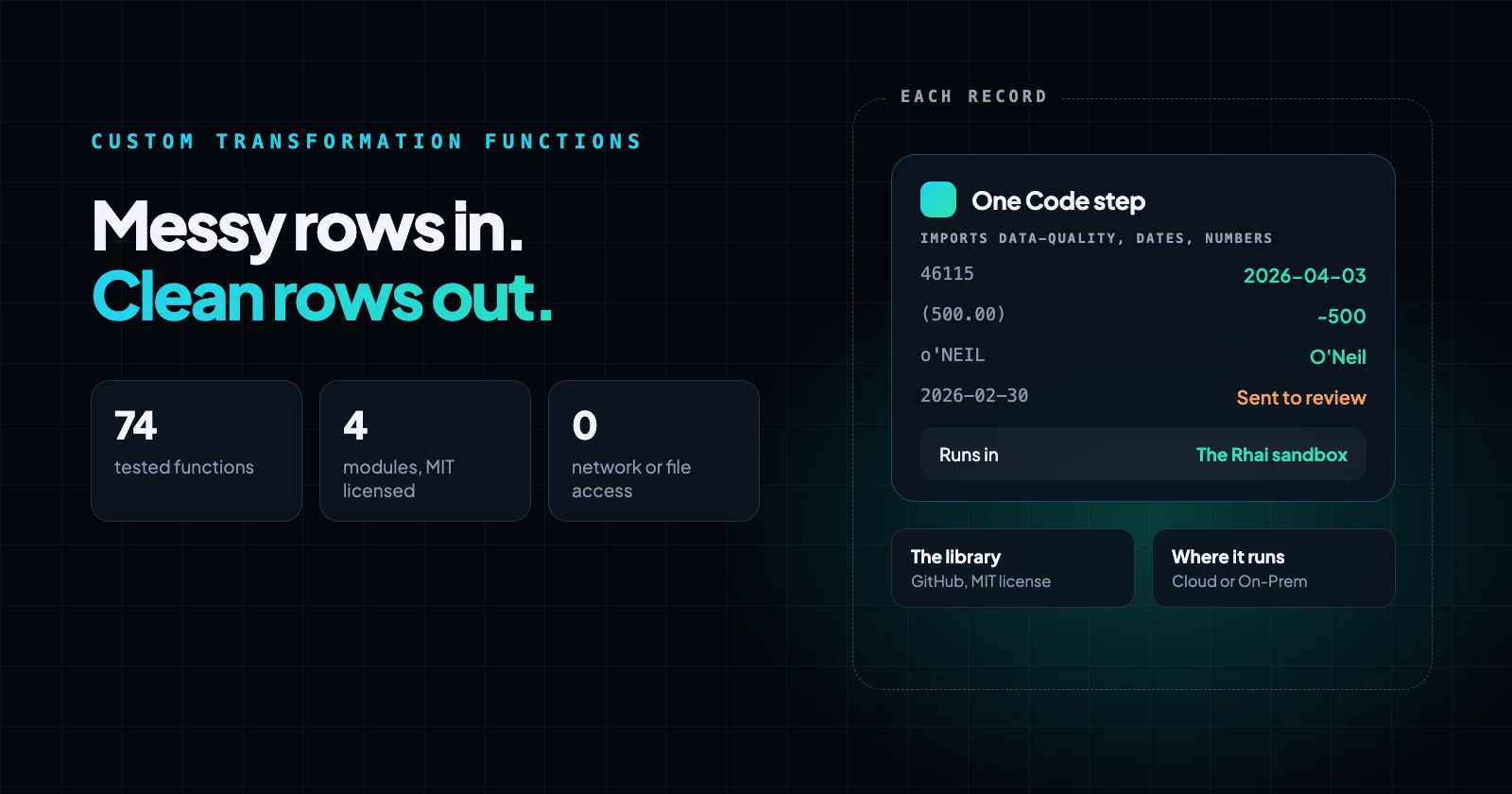
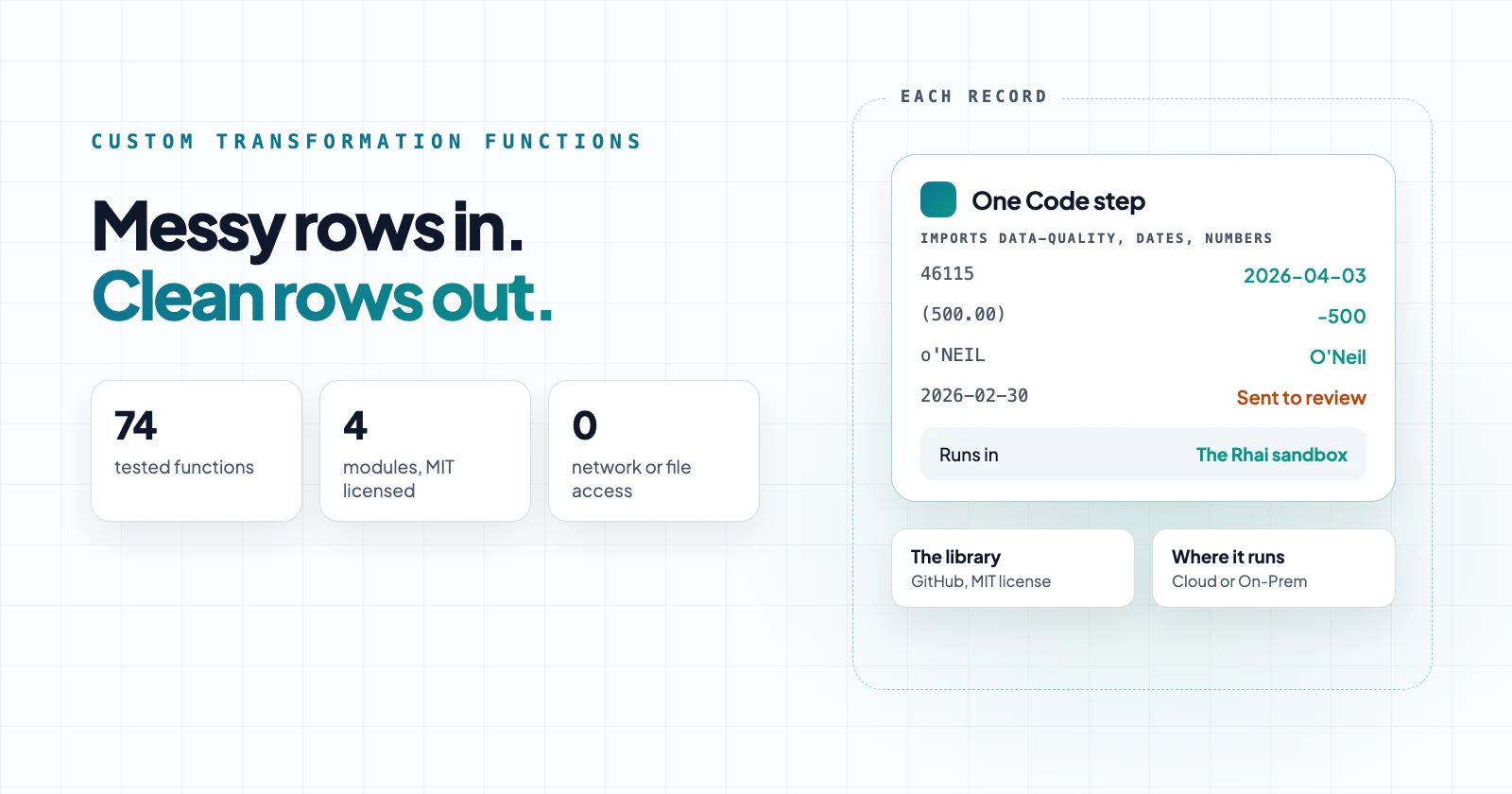
Those rules come from the systems you connect. Spreadsheets store dates as numbers such as 46115, ERP exports write negatives as 1,234- or (500.00), and company names need a match key before you can deduplicate them. A step built for one shape can't read them, so they fail, or load as wrong values that look right.
Where do the native steps stop?
Native steps handle a value with one known format or one operation. The library starts where they stop.
| Native step | What it does | Where it stops |
|---|---|---|
| Format date | Formats a date into one pattern | Mixed formats, Excel serial numbers |
| Edit text | Trim, uppercase, lowercase, find and replace | Rules with more than one step, such as "is this a real email?" |
| Remove duplicates | Removes duplicates by a key, exact, fuzzy or phonetic | Building a good key from messy names and emails |
Use the native step whenever it fits. For the rest, a function in a module replaces code someone would otherwise write, test, and copy into every flow that needs it.
Where a rule depends on the source, such as day-month order or the decimal separator, the function takes it as a setting. One module then serves a US CRM and a European ERP, and returns empty instead of guessing when a value doesn't fit.
Dates: mixed formats and Excel serial numbers
to_iso_date turns 04/03/2026, 3 Apr 2026, April 3rd, 2026, 20260403 and 2026-04-03T10:20:00Z into YYYY-MM-DD, and returns empty for anything that isn't a real date. You pass "mdy" or "dmy" to say how to read all-number dates.
excel_serial_to_iso converts Excel's date numbers. Excel counts a February 29, 1900 that never existed, kept for compatibility with Lotus 1-2-3 (Microsoft Learn), and the function allows for it: 46115 becomes 2026-04-03. days_between handles aging fields once the dates are clean.
Numbers and money
parse_number reads amounts written the US or European way: $1,234.56, EUR 1.234,56 and CHF 1'234.50 give 1234.56, 1234.56 and 1234.5. It reads (500.00) and 1,234-, the accounting and ERP-export ways of writing negatives, as -500 and -1234, and returns empty for 12a34.
You pass the decimal separator, or "auto", which reads a single separator followed by three digits as thousands. currency_code finds EUR, £ or R$ in the same text, and to_cents returns whole cents.
Contacts and match keys
normalize_emailandis_valid_emailclean and check an address, including the 64-character limit before the @ from RFC 5321.is_role_emailflags info@ and sales@.phone_e164formats numbers as E.164, a plus sign, country code, and at most 15 digits (Twilio), and returns empty for numbers that can't be complete.title_case_nameturnso'NEILinto O'Neil andMCDONALDinto McDonald.email_match_keyandcompany_match_keybuild keys for the Remove duplicates step:The Acme Company, Inc.andACME Coboth becomeacme.
Worked example: four rows, one Code step
We ran four test rows through a Neblex flow with one Code step importing three of the modules:
item.email = normalize_email(item.email);
item.email_ok = is_valid_email(item.email) && !is_role_email(item.email);
item.phone = phone_e164(item.phone, "1");
item.contact = title_case_name(item.contact);
item.company_key = company_match_key(item.company);
item.invoice_date = if type_of(item.invoice_date) == "string" { to_iso_date(item.invoice_date, "mdy") } else { excel_serial_to_iso(item.invoice_date) };
item.currency = currency_code(item.amount, "USD");
item.amount = parse_number(item.amount, "auto");
item.missing = missing_fields(item, ["email", "phone", "invoice_date", "amount"]);| Input | Output |
|---|---|
DANA o'reilly, [email protected], (415) 555-0123, 04/03/2026, $1,234.56 | Dana O'Reilly, [email protected], +14155550123, 2026-04-03, 1234.56 USD |
jürgen MÜLLER, Müller GmbH & Co. KG, +49 30 901820, 46115, EUR 1.234,56 | Jürgen Müller, key "müller", +4930901820, 2026-04-03, 1234.56 EUR |
sam okafor, [email protected], 555-0199, 3 Apr 2026, (500.00) | Sam Okafor, role address flagged, phone empty, 2026-04-03, -500 |
lee park, lee.park@fabrikam, no phone, 2026-02-30, 1,234- | Lee Park, invalid email flagged, date empty, -1234 |
We put rows from four kinds of sources in one file to show them together. In a real flow, each source keeps its own format, and you set its convention once.
Three dates came out as 2026-04-03. The impossible one is empty and listed in missing, so a filter can route it to review instead of loading it.
How to use custom data transformation functions in a Neblex flow
The modules are in the neblex-rhai-modules repository under the MIT license, each with its test cases: data-quality, dates and numbers from this post, and text for everyday text cleanup, 74 functions in all.
- Add each module as a Transform Module, with the module's name as its key. An AI client connected to the Neblex MCP server can create it from the file for you.
- Add a Code step set to Each record, and list the modules under Imported modules.
- Call the functions in the script, as in the example.
Every flow that imports a module gets the same tested rules, and a fix reaches all of them. The code runs in the Rhai sandbox, with no network or file access. When your data needs a rule the library doesn't have, copy a function and change it.
What can go wrong
- All-number dates need
"mdy"or"dmy"; without it, they return empty. Two-digit years 00 to 69 become 2000 to 2069. - Month names are English only, and time zones aren't converted.
is_valid_emailchecks the format, not whether the mailbox exists.phone_e164doesn't know every country's numbering plan.to_centsassumes two decimal places, so it doesn't suit currencies such as JPY.- Empty results keep the load going. Route them to review, or they'll arrive as blanks.
The takeaway
Native steps handle values with one known format. When your data needs more, such as Excel serial dates, ERP-style negatives, or match keys for deduplication, Neblex lets you extend it with sandboxed functions you write once and import into every flow, so a fix reaches all of them. Set each source's convention, and route anything a function can't read to review instead of loading a blank.
Sources
- Excel incorrectly assumes that the year 1900 is a leap year, Microsoft Learn
- What is E.164?, Twilio
- neblex-rhai-modules, Neblex on GitHub
- Scripting with Rhai, Neblex docs
Last checked: November 10, 2026.
Frequently asked questions
What is Rhai?
Rhai is a small scripting language for embedding in applications, with syntax that looks like a mix of JavaScript and Rust. In Neblex, it runs in a sandbox with no file, network, or system access, so a script can only transform the data its step gives it.
When should I use a native step instead of a custom function?
Use a native step whenever one fits, such as trimming text, formatting a date, or removing duplicates. Use a custom function when your data needs a rule no step provides, such as converting Excel serial dates, reading accounting negatives like (500.00), or building a match key from company names. You write it once as a module, and every flow that imports it uses the same tested rule.
Can a custom function call an API or read a file?
No. Rhai in Neblex has no file, network, or system access, so a function can only work on the values it receives. Calls to other systems belong in connector steps.
What if a rule is too big for Rhai?
On the Business and Enterprise plans, you can write it in a language that compiles to WebAssembly, such as Rust, and add it as a sandboxed custom module. Our neblex-wasm-modules repository has examples for jobs such as parsing XML, PDFs or fixed-width files.
Can one module handle sources with different conventions?
Yes. Functions such as to_iso_date and parse_number take the convention as a setting, such as "mdy" or "dmy" for dates and the decimal separator for amounts, so one flow can read a US CRM and a European ERP with the same module.
Bring us the product or the integration that hurts most
We will build it with you, on your data, with the run log open.